
Having your data with you where you go is very handy. To help you achieve this, Targit has a dedicated application in the Apple App Store and Google Play Store that gives you just that.
To configure this application to work with the CalmCo BI solution, please follow these steps:
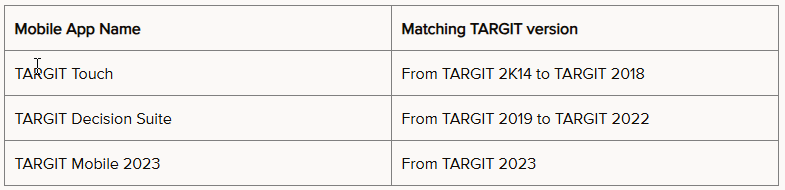
- Download the app "Targit Mobile 2023" from the Apple App Store or Google Play Store.
Please make sure you download the correct app.
- Open the application on your phone or tablet
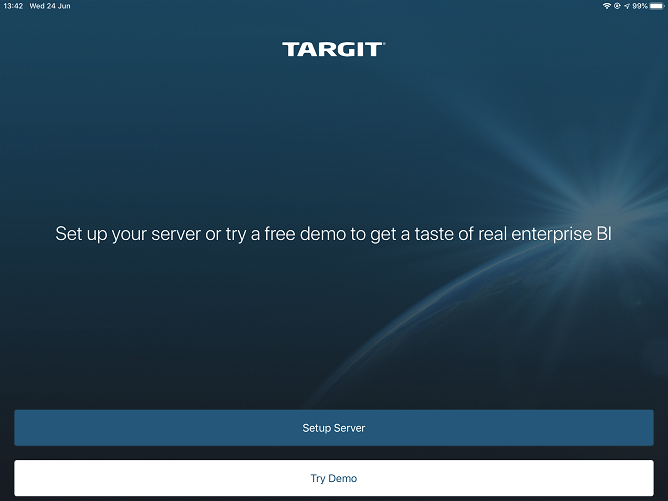
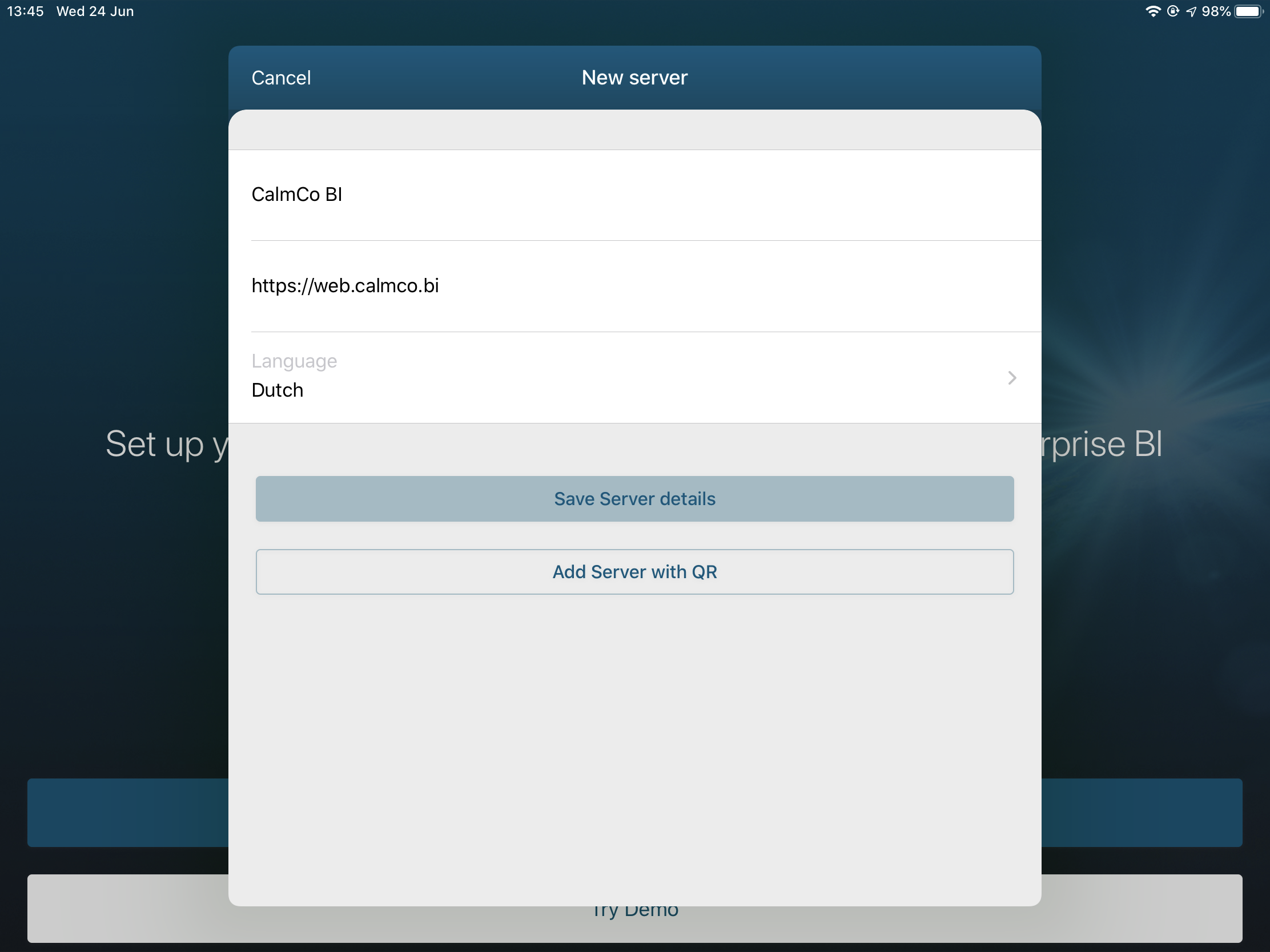
- Click on Setup Server
- Enter a name for the connection e.g. CalmCo BI
- The server address you need to enter is https://web.calmco.bi
- Select your preferred language
- Press Save Server Details
- Next enter your username and password. You can choose to save your credentials by selecting Auto Login. The username and password are the same you normally use to acces the webclient.
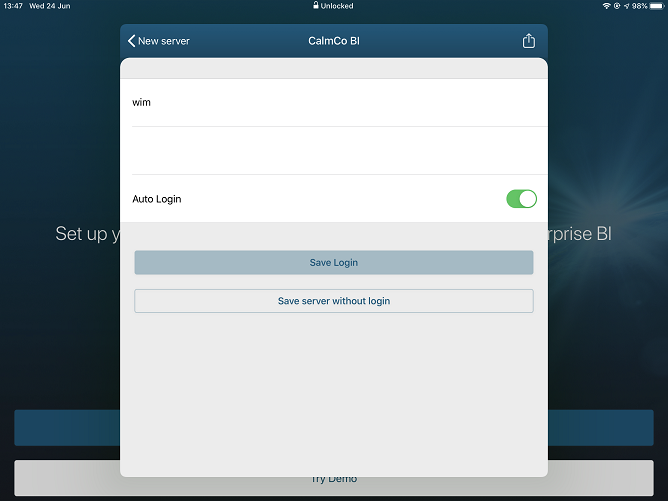
- Press Save Login. The app will now connect to the server.
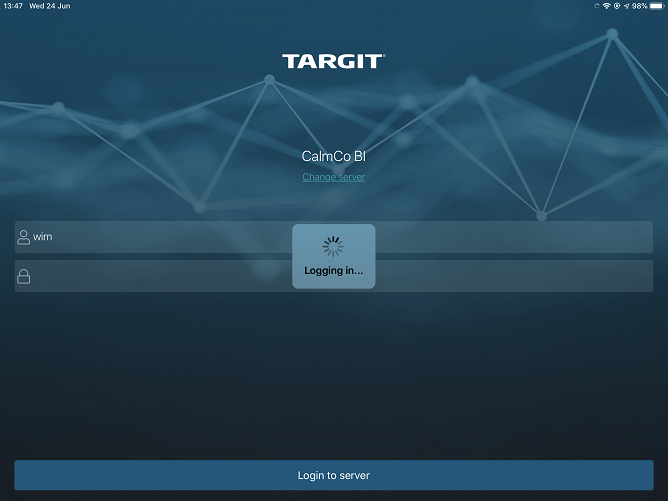
- And now you can browse your dashboards and reports on your mobile device!